 ScrollCut
Scroll less, without quitting.
Works with all your apps
 TikTok
 Instagram
 YouTube
 Clash Royale
 Snapchat
 X (Twitter)
 Candy Crush
 Reddit
 Facebook
 Clash of Clans
 Twitch
 Pinterest
 Threads
Sounds familiar?
Your apps are designed to keep you hooked. Willpower alone doesn't stand a chance.
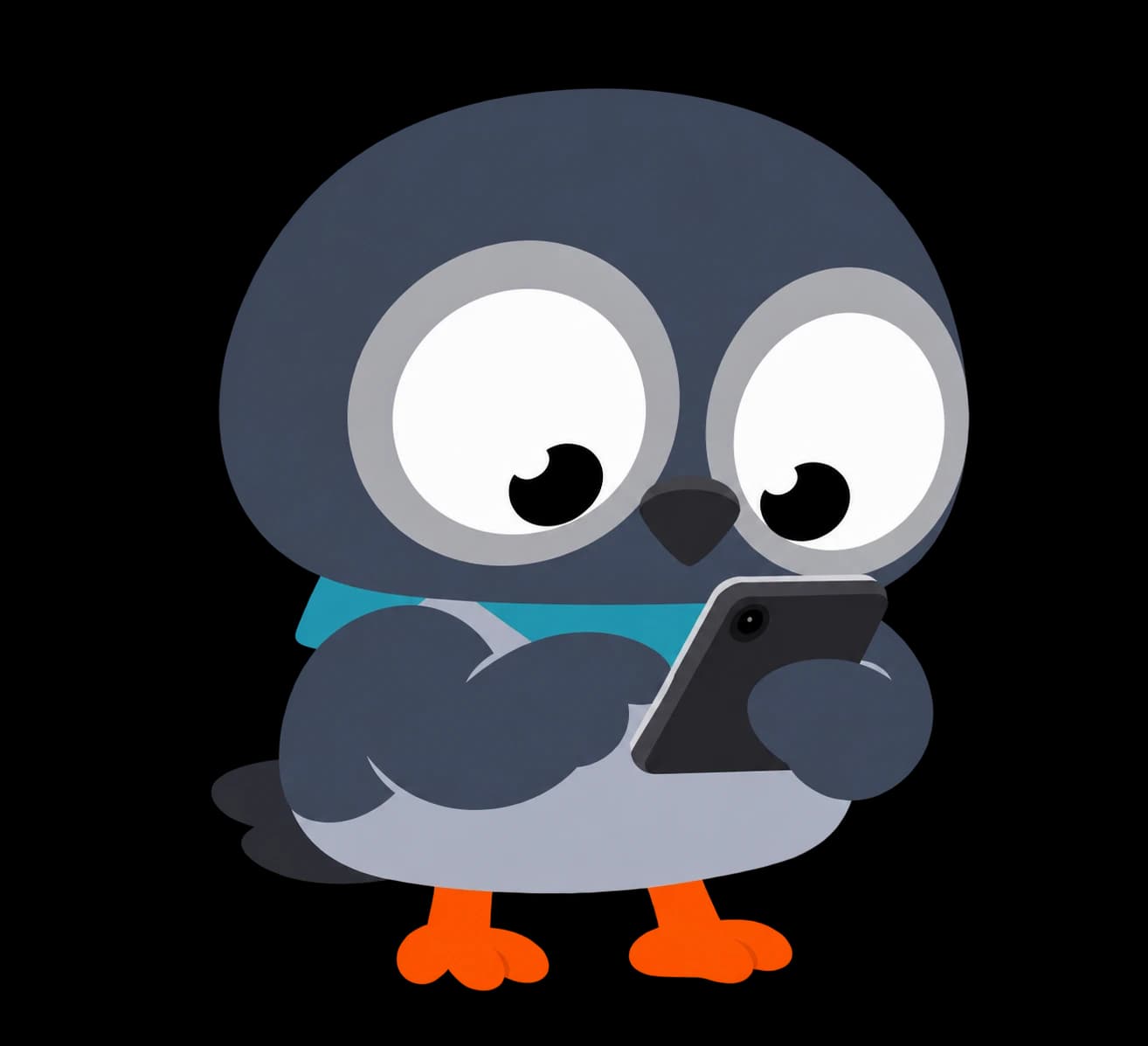
Opening TikTok without even thinking
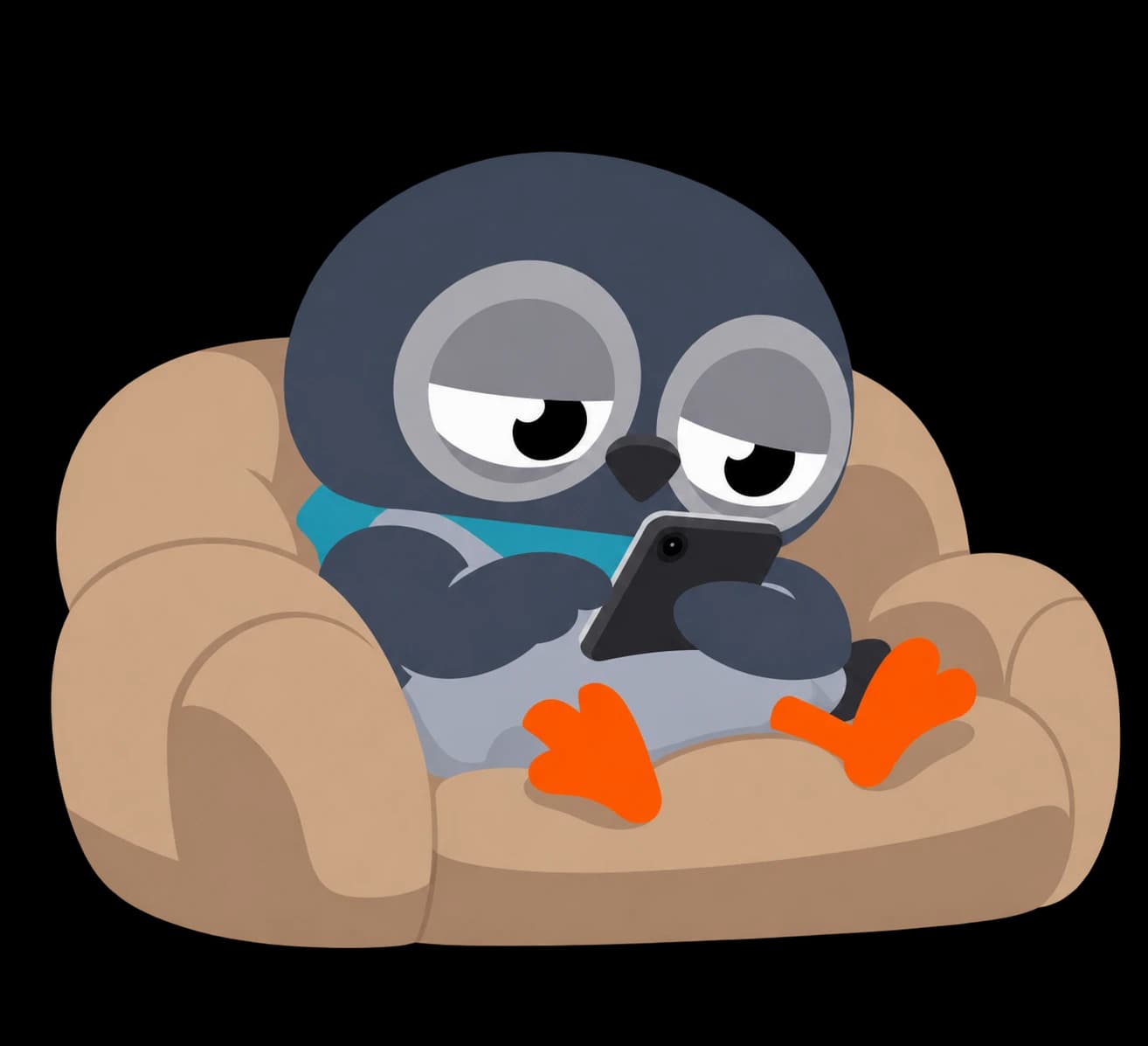
“5 minutes” that turn into 2 hours
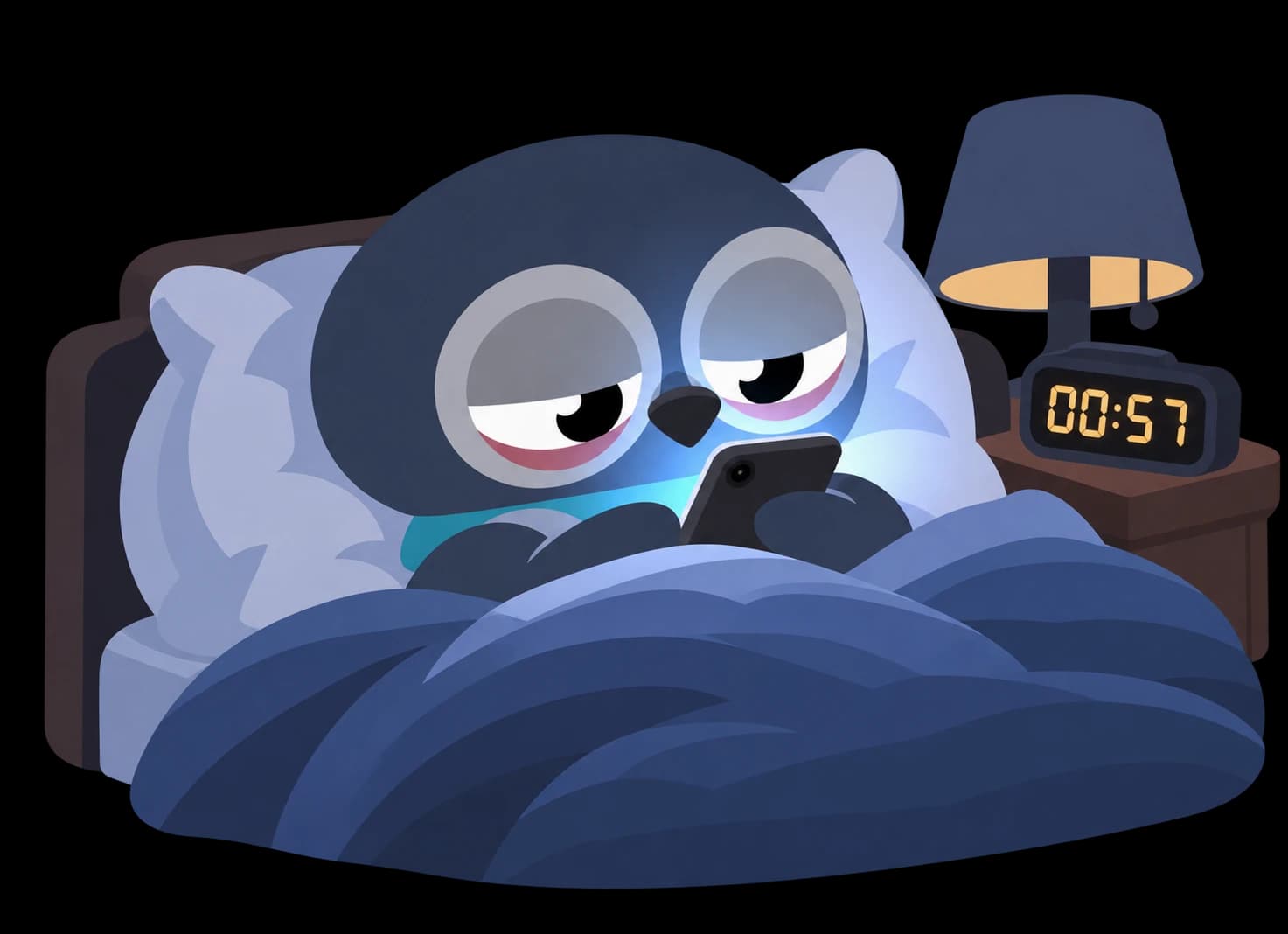
Still scrolling in bed at 1 in the morning
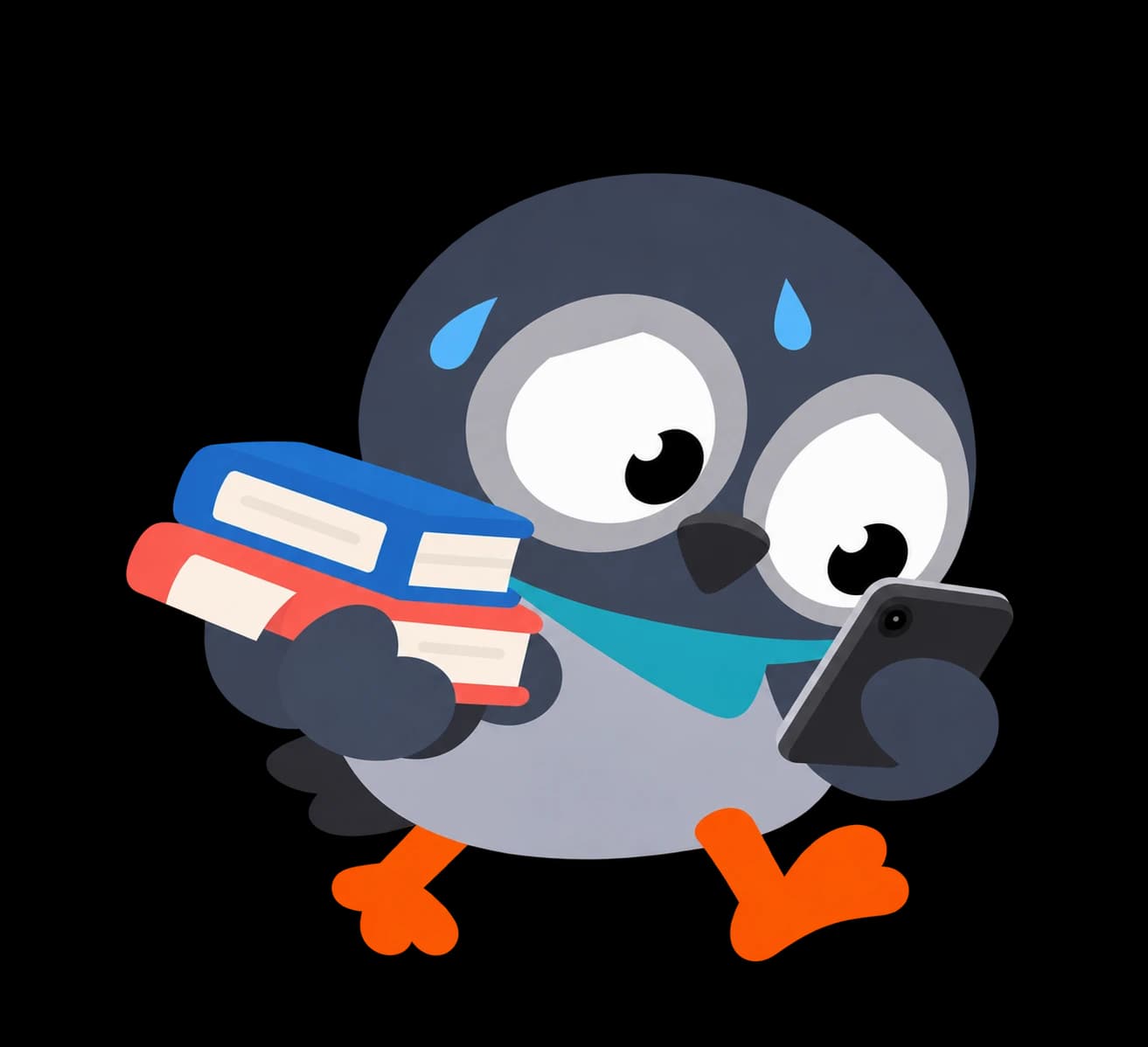
Ending the day feeling you got nothing done
Treat your screen time like a budget
No complicated rules. A daily allowance, short sessions, and a hard stop.





Set your daily budget
Pick the apps that eat your time and decide how many minutes per day you allow yourself. 30 minutes? An hour? It's your call.
Unlock in fixed sessions
Want to check Instagram? Open ScrollCut and unlock your apps for a fixed session. When the timer ends, everything locks again automatically.

Budget spent? See you tomorrow.
No snooze, no “just 5 more minutes”. Once your daily budget is used up, your apps stay locked until the next day.
Add some friction before every unlock
A small challenge between you and your feed is enough to break the autopilot. Pick the one that suits you.
 0:30
0:30Timer
Wait a few seconds staring at a countdown. Often, that's enough to change your mind.
 × 10
× 10Push-ups
Drop and do a set of push-ups before you get your apps back.
 × 15
× 15Squats
A few squats to earn your session. Your legs will thank you.
 500 steps
Steps
Go for a short walk and reach a step count before you unlock.
 17 × 4 = ?
Mental math
Solve a quick calculation to prove you're unlocking on purpose.
 🇵🇹 → ?
Flags
Guess which country a flag belongs to. Learn something while you're at it.
Frequently asked questions
What happens when my budget runs out?
Your selected apps stay locked for the rest of the day. Your budget resets the next day, so you start fresh.
Which apps can I limit?
Any app on your iPhone. You choose which ones count toward your budget: social networks, games, video apps…
Is the friction mandatory?
No. Frictions are optional: add a challenge before unlocking if you want an extra barrier, or skip it.
Is my data private?
Yes. ScrollCut uses Apple's Screen Time framework: your usage data never leaves your device and we can't access it.
How much does it cost?
ScrollCut offers a Premium subscription with a 3-day free trial. You can cancel anytime from your Apple account settings.
Ready to scroll less?
Set your budget in under a minute. Your future self will thank you.
Download on theApp Store